
5 Hidden Causes of Copier Breakdowns
Your copier keeps breaking, but the technician says the machine is fine? The real problem might be hiding in your wall socket, your paper store or your office air.
- Many breakdowns start outside the machine: faulty sockets, unstable power, dust and humidity.
- Usage habits matter as much as machine quality. A copier is like a car: care for it and it lasts longer.
- A dedicated power socket, dry paper and monthly maintenance prevent most problems.
When a copier breaks down, most people blame the machine. But in many cases, the cause is something around it: the power supply, the environment or the way it’s used. These hidden causes are easy to miss, and if they aren’t fixed, the machine will keep breaking no matter how many times it’s repaired.
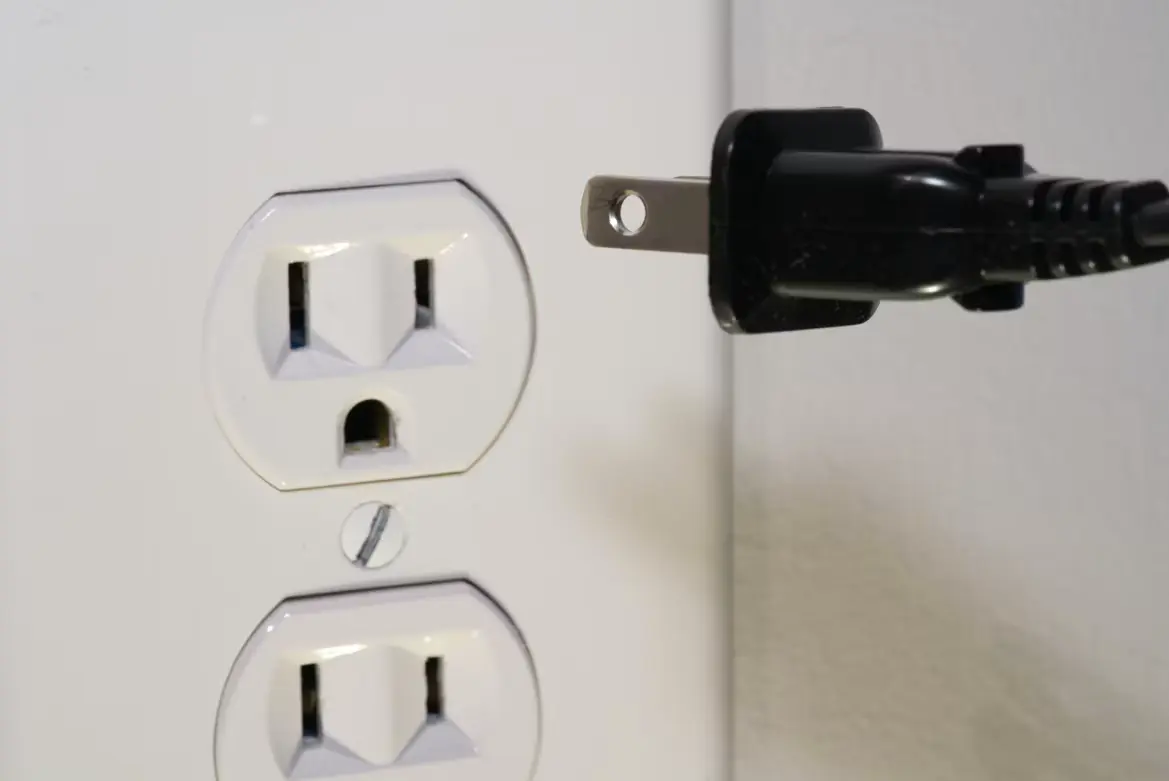
A power socket that isn’t wired properly
Many office sockets look normal but are missing an earth (E) or neutral (N) wire. Your phone charger won’t notice. A copier, with its sensitive electronics and heating parts, will.
This is why a good supplier tests your power socket and wiring as the very first step of installation, before the copier is even plugged in.
- Random error codes
- Board or power faults that keep coming back
- Have the socket tested before installation
- Ask an electrician to fix missing E or N wiring
Extension cords and unstable power
Plugging a copier into an extension cord, or sharing a circuit with other heavy equipment like water heaters or air-conditioners, exposes it to current fluctuations. Over time these power swings wear down the machine’s electronics and shorten its life.
- Copier restarts or shuts down on its own
- Problems after power trips or storms
- Use a dedicated socket from the DB box
- Never run a copier from an extension cord
Dust in the air
Dust gets drawn into the copier, settles on rollers, sensors and optics, and slowly causes feeding problems and poor print quality. Offices near construction sites, factories or busy roads are especially at risk.
- Streaks or dirty marks on prints
- Scans with spots or lines
- Keep the machine away from doors and windows
- Increase servicing frequency in dusty sites
Humidity and damp paper
In Malaysia’s humid climate, paper absorbs moisture from the air. Damp paper curls, sticks together and is the most common cause of paper jams. Often the machine is perfectly fine: the paper is the problem.
- Frequent paper jams
- Curled or wavy printouts
- Replace damp paper with a fresh, dry pack
- Store paper sealed, off the floor, away from walls
Everyday habits and skipped maintenance
Staples, paper clips and sticky notes falling into the paper path, slammed trays and jammed paper yanked out by force all cause damage that adds up. Add skipped servicing, and small problems become expensive breakdowns.
Think of your copier like a car: regular cleaning and servicing, careful handling and keeping foreign objects out of it significantly lower the failure rate and extend its life.
- Grinding or clicking noises
- Same fault returning after repair
- Remove staples and clips before copying
- Stick to monthly preventive maintenance
Copier troubleshooter: what’s causing your problem?
Pick the problem you’re seeing to find the most likely hidden cause and what to do about it.
What’s happening with your copier?
Before your copier arrives: an installation checklist
Many problems can be prevented on day one. A good supplier will tell you clearly what’s needed before installation, and if the site isn’t ready, it should be fixed first. Make sure you have:
- A tested power socket With proper earth (E) and neutral (N) wiring and a stable supply.
- A dedicated power point Not an extension cord, and not shared with heavy equipment.
- A LAN port and network cable Ready near the copier’s location, so it can connect for printing and scanning.
- A clean, dry location Away from dust sources, direct sunlight and damp walls.
- Basic training for your team So everyone knows how to load paper, clear jams safely and avoid damage.
Repairing the machine won’t fix a power problem. If the root cause is your socket, wiring or environment, the copier will keep breaking down. Fix the cause, not just the symptom.
Frequently asked questions
Can I plug a copier into an extension cord?
It’s best not to. Extension cords and shared circuits expose the copier to power fluctuations that can damage its electronics over time. Use a dedicated wall socket, ideally on its own circuit from the distribution board.
Why does my copier keep jamming?
The most common cause in Malaysia is damp paper from high humidity. Replace it with a fresh, dry pack and store paper sealed and off the floor. If jams continue, worn rollers or objects in the paper path may be the cause.
How often should a copier be serviced?
Monthly preventive maintenance is the norm. Offices in dusty or humid environments, such as construction sites, may need more frequent servicing.
How can I check if my power socket is safe for a copier?
Ask your copier supplier to test it during installation, or have an electrician check that the socket has proper earth (E) and neutral (N) wiring and a stable supply.
Copier keeps breaking down?
Optimus Business checks the root cause, from your power socket to your paper, not just the machine. Let us take a look.
Book a service check