
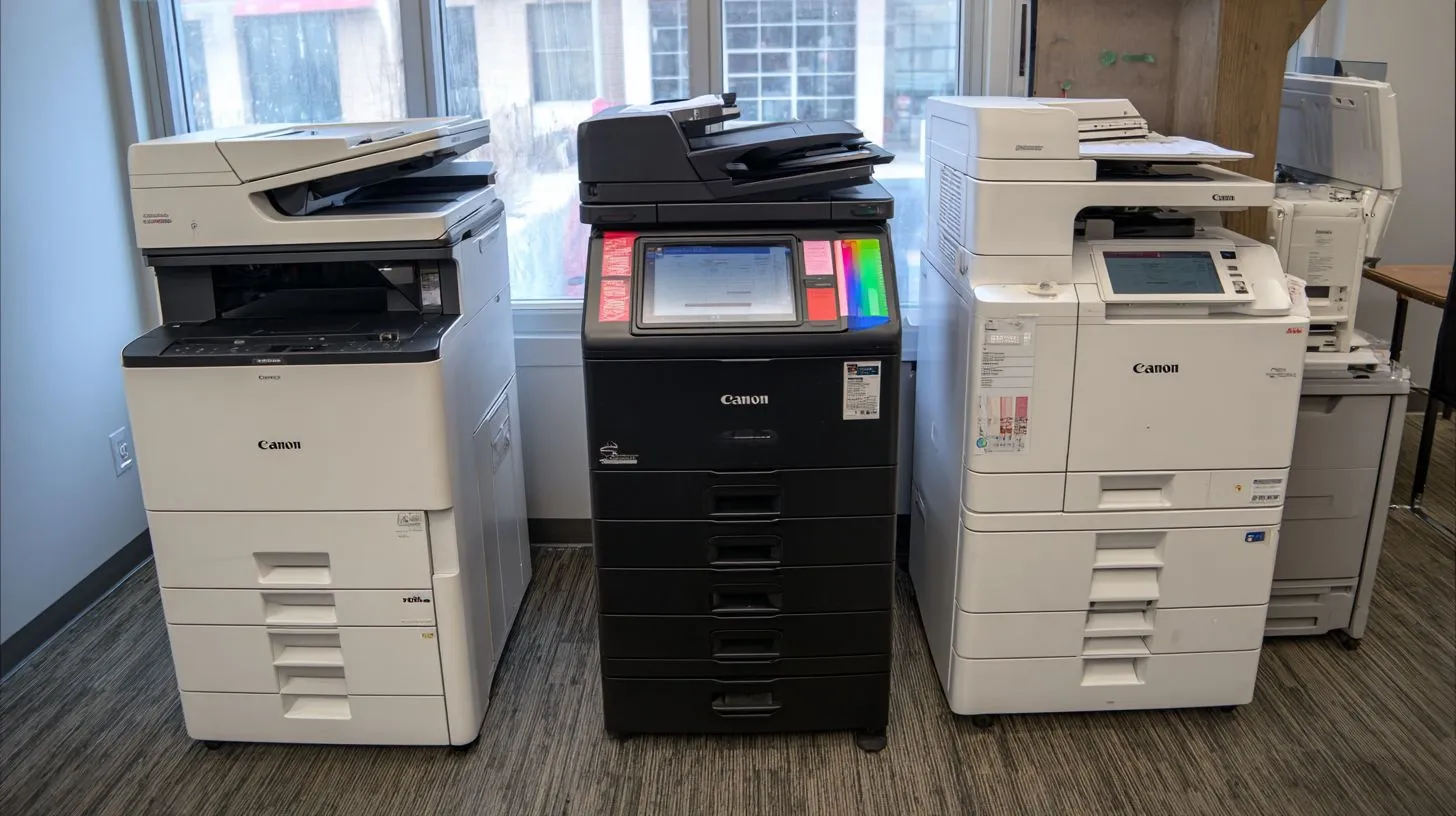
Canon vs. Ricoh vs. Fuji Xerox: Which Office Copier Fits Your Business in 2026?
All three are trusted names in office printing. The right choice isn’t about which brand is “best”. It’s about which one fits your work, your budget and the way your office is changing.
- Canon, Ricoh and Fuji Xerox are all built for office document work, with broadly similar features. No single brand is best for everyone.
- Need top colour quality? Fuji Xerox stands out, at a higher cost. Working with a tighter budget? Ricoh is a strong option.
- Features like A3 support, colour and smart scanning matter more than the logo. So does the service behind the machine.
There’s no “best” brand, and that’s good news
Canon, Ricoh and Fuji Xerox all design their copiers for the same job: handling office documents reliably. Their core features are broadly similar. Where they differ is in specific strengths and how well they match your budget.
That’s good news, because it means you can choose based on what your business actually needs, rather than worrying about picking the “wrong” brand.
How the three brands compare
Canon
A familiar name in offices, covering everyday printing, copying and scanning across a wide range of models.
Consider it if you want a widely used brand for general office document work.
Fuji Xerox
Stronger colour resolution and colour technology, ideal when print quality is part of how you present your business.
Consider it if you print proposals, marketing material or anything where colour matters. Expect a higher cost.
Ricoh
A solid choice when you need dependable office printing without paying a premium for top-end colour performance.
Consider it if budget matters most or your colour needs are moderate.
Fuji Xerox now operates as FUJIFILM Business Innovation, but many Malaysian offices still know the machines by the Fuji Xerox name.
Features matter more than the logo
Before comparing brands, decide which features your office really needs. These choices have a bigger impact on cost and productivity than the brand name.
A3 or A4 only?
Most offices print A4 far more often. But choosing an A3-capable machine now avoids having to rent or buy a second machine when your needs grow. You can lock A3 with user permissions so it’s only used when needed.
Colour or black-and-white?
Colour lifts the quality of client-facing documents, but it costs more to run. Weigh how much you print for external presentation versus internal paperwork.
Smart scanning
Modern copiers can scan straight into editable Word or Excel files (OCR), save directly to a PC folder or the cloud, and send scans by email, cutting out retyping and manual filing.
Card printing and cost tracking
For multi-floor or multi-team offices, document management solutions let staff tap a card to release prints on any floor, control who can use which features, and track costs by department or project.
Find your copier match
Answer four quick questions to see which direction suits your office best.
Which copier fits your business?
Answer all four questions to see your match.
What’s changing in 2026
Hybrid work changed print volumes
Some offices print less with staff working remotely, but many industries still print heavily. Plan for how your team works today.
Paper is still essential
Contracts, approvals and signed documents keep paper at the heart of business, so a dependable copier still matters.
Copiers are getting smarter
OCR, scan-to-cloud and direct-to-folder features are turning copiers into digital workflow tools, not just printers.
Service still needs people
AI hasn’t replaced copier repairs yet. When a machine breaks, you still need a skilled technician who can get there quickly.
Large companies often standardise on one brand through global procurement. SMEs have more freedom: choose the brand and model that fits your needs and budget, and pay just as much attention to the service plan behind it.
Frequently asked questions
Which copier brand is best for SMEs in Malaysia?
There’s no single best brand. Canon, Ricoh and Fuji Xerox all offer reliable office copiers with similar core features. Fuji Xerox stands out for colour quality at a higher cost, while Ricoh suits tighter budgets. Choose based on your print needs, budget and the service provider behind the machine.
Is Fuji Xerox the same as FUJIFILM Business Innovation?
Yes. Fuji Xerox now operates under the name FUJIFILM Business Innovation, but many offices in Malaysia still refer to the machines as Fuji Xerox.
Do I need an A3 copier?
If you ever print drawings, posters or large spreadsheets, an A3-capable copier is worth it. Even if you rarely use A3 today, choosing it now can save you from adding a second machine later. You can restrict A3 printing with user permissions.
Should I choose a colour or black-and-white copier?
Choose colour if you regularly print client-facing documents such as proposals or marketing material. If most of your printing is internal paperwork, black-and-white keeps running costs lower.
Still deciding between brands?
Optimus Business offers Canon, Ricoh and Fuji Xerox copiers. Tell us how you print, and we’ll recommend the right model for your budget.
Get a free recommendation